Tech Support Simplified
Services
We Keep IT Simple
Request: Tell us what's wrong via chat, phone or form
Connect: A Certified technician evaluates your system (remotely or in person)
We fix the issue. You only pay when the job is done
Repairs & Support
We fix or replace devices and printers.
Network & Internet Services
Network and Internet services ensure that you get connected and stay connected.
Business IT Services
Business IT services are the winds beneath your IT wings, pushing and coordinatng all the pieces of technology that make your business thrive.
Cybersecurity Services
Services that ensure a safe operating environment. Keep the good in; keep the bad out.
Self Support
There are somethings you, as a user can do keep your system in good working condition. See our blog. However avoid performing the following on your own.
- Opening a laptop with a glued battery
- Updating BIOS/firmware without need or preparation
- Using random "registry cleaners" or "driver booster" tools
- Spraying liquids into ports or onto screens
- Forcing connectors or components into place
Support from TSS is always readily available



What We Do
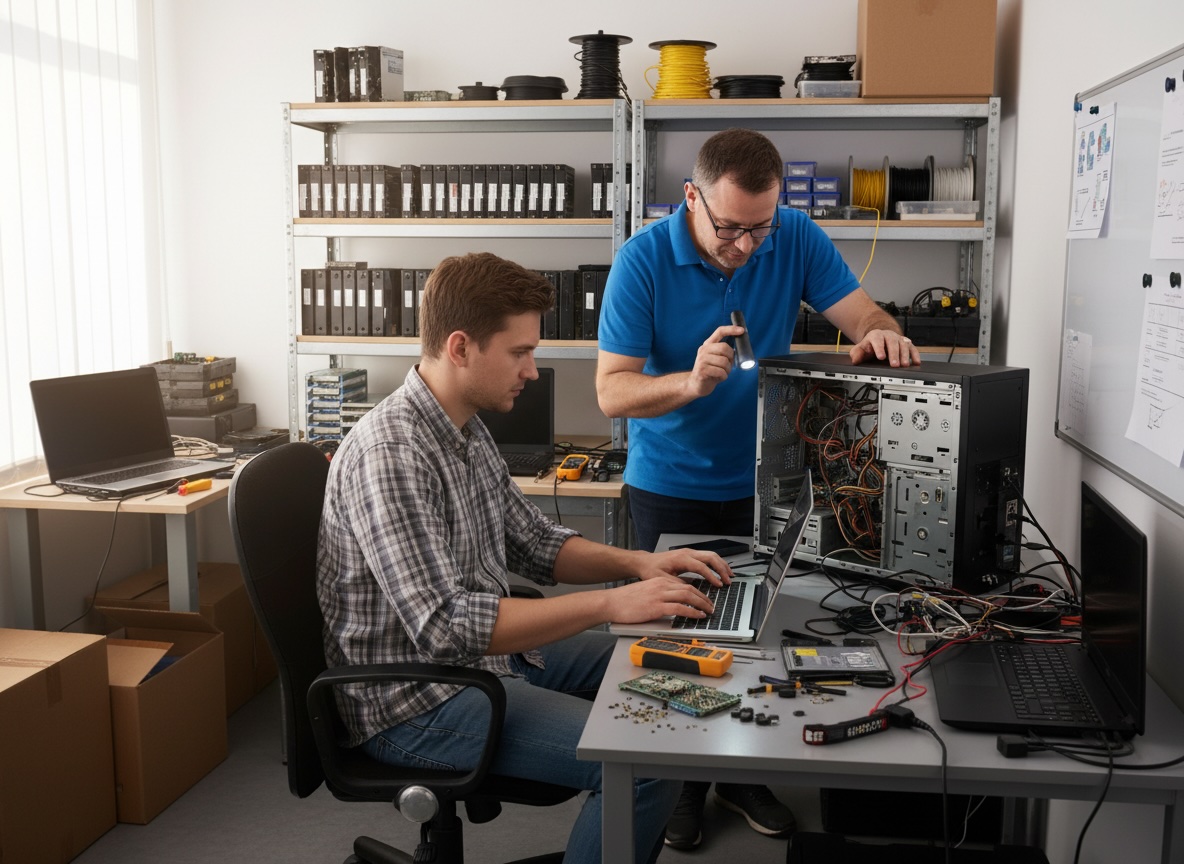
Computer Repairs & Support
| Service |
|---|
| Diagnostic Service |
| Virus & Malware Removal |
| PC Tune-Up / Optimization |
| Operating System Install |
| Software Installation |
| Hardware Upgrade Installation |
| Old Equipment Removal |
| My Problem Is Not Listed |
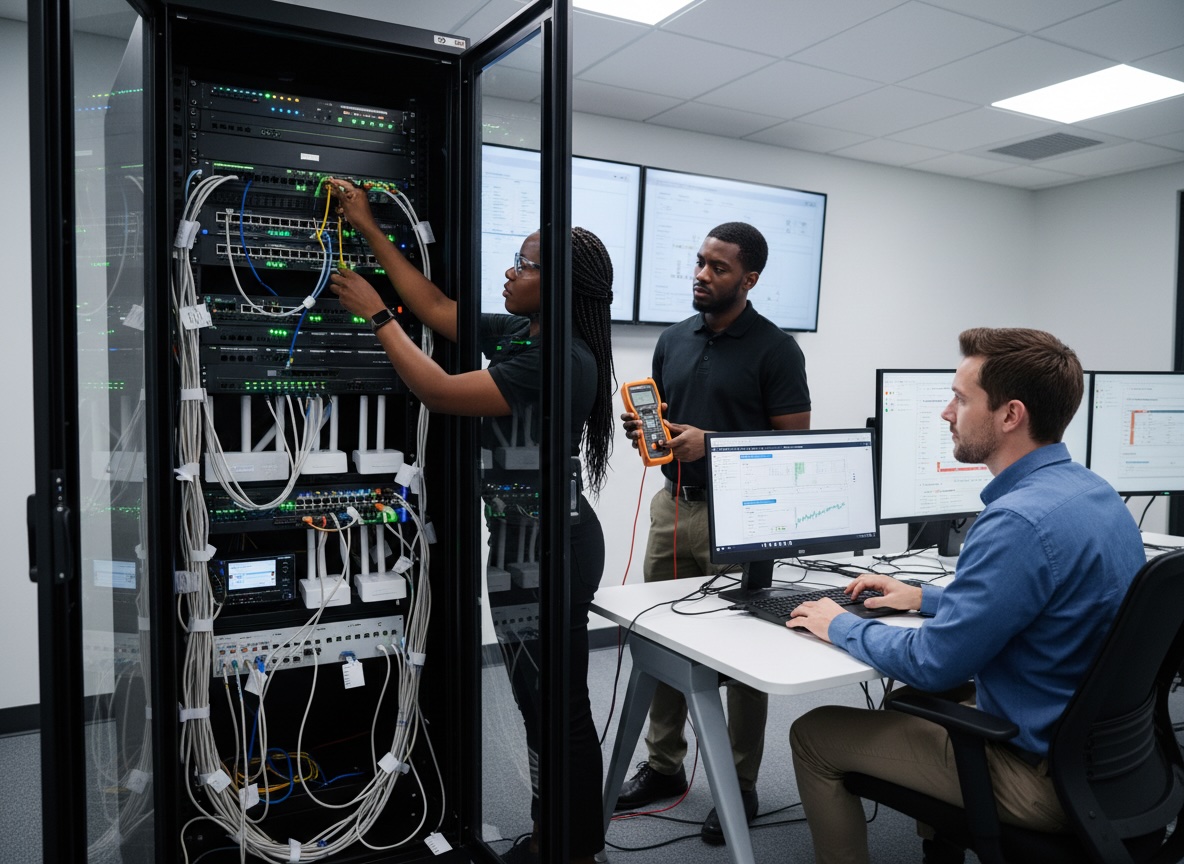
Network & Internet Services
| Service |
|---|
| Wi-Fi Setup & Optimization |
| Router/Modem Setup |
| Home/Office Network Setup |
| Network Troubleshooting |
| Printer Setup |
| Network Setup |
| VPN Setup |
| Ethernet Install |

Business IT Services
| Service |
|---|
| Remote Tech Support |
| Onsite Support Visit |
| Managed IT Support Plans |
| Email Setup & Support |
| Microsoft 365 / Google Workspace |
| Server Maintenance |
| User Account Administration |
| Patch Management |

CyberSecurity Services
| Service |
|---|
| Security Audit |
| Firewall Setup |
| Endpoint Protection Setup |
| Ransomware Protection |
| Backup & Disaster Recovery Plans |
| Security Awareness Training |
Specialty Services
✔ Smart Home Device Setup
✔ POS Support
✔ Website Tech Support
✔ Technology Consulting
✔ Custom PC Builds
✔ Emergency After-Hours Support
- Security Audit. |. Backup Review. |. Firewall Check

Monthly Support - $399.00
- Virus Scan | Performance Optimization
- Operating Systems support |. System Updates
- Router Setup. | Wi-Fi Optimization
- Device Connection Support
A Technician Is Waiting . . .
Email: help@techsupportsimplified.com

To Serve You
Common Tech Headaches We Solve
-
Tech Support Simplified for Homes
- Slow or freezing computers
Cleanup, tune‑ups, upgrades, and replacements when it’s time. - Wi‑Fi and internet problems
Dead zones, weak signal, or dropped connections – we design and install Wi‑Fi that actually works across your whole house. - Virus, spyware, and scam cleanup
Removal of malware and unwanted software, plus security checks and best‑practice guidance. - New device setup
Computers, printers, smart TVs, streaming devices, tablets, and phones – we handle the setup, updates, and connections. - Data backup and recovery
Help recovering files when possible, and setting up proper backup so one glitch doesn’t wipe out your photos and documents
Tech Support Simplified For Businesses
- Network and Wi‑Fi setup & troubleshooting
From small offices to multi‑room setups, we design networks that are secure, stable, and ready to grow. - Workstation and server support
New PC rollout, configuration, updates, permissions, and ongoing maintenance. - Email and cloud services
Setup and support for business email, file sharing, collaboration tools, and cloud applications. - Cybersecurity basics
Firewalls, antivirus, secure remote access, and best practices to protect your data and your customers. - Ongoing IT support plans
Instead of waiting for things to break, we offer proactive support to keep your systems in good shape.
Why Choose Tech Support Simplified
- Plain‑English explanations
We skip the jargon and explain what’s going on in terms you can understand, so you feel in control of your tech. - Friendly, local technicians
Our technicians proudly wear TSS on their uniforms – and they show up ready to solve problems, not create new ones. - Flexible support – remote or on‑site
A lot of issues can be fixed by secure remote support. When needed, we come to your home or office in Gulfport, Hattiesburg, or Jackson. - Honest advice
If your computer is worth fixing, we’ll fix it. If it’s better to replace, we’ll tell you that too – and help you choose the right replacement. - Fast response
We know tech problems are urgent. Our goal is to get you back up and running as quickly as possible.