

Computer Use – Best Practices 3 – User Beware
Computers are essential for work, communication, banking, shopping, and entertainment. But with that convenience comes risk: malware, phishing scams, data loss, slow performance, and preventable hardware issues can all disrupt daily life. A few consistent habits can...
Computer Use – Best Practices 2 – Online
Computers are essential for work, communication, banking, shopping, and entertainment. But with that convenience comes risk: malware, phishing scams, data loss, slow performance, and preventable hardware issues can all disrupt daily life. A few consistent habits can...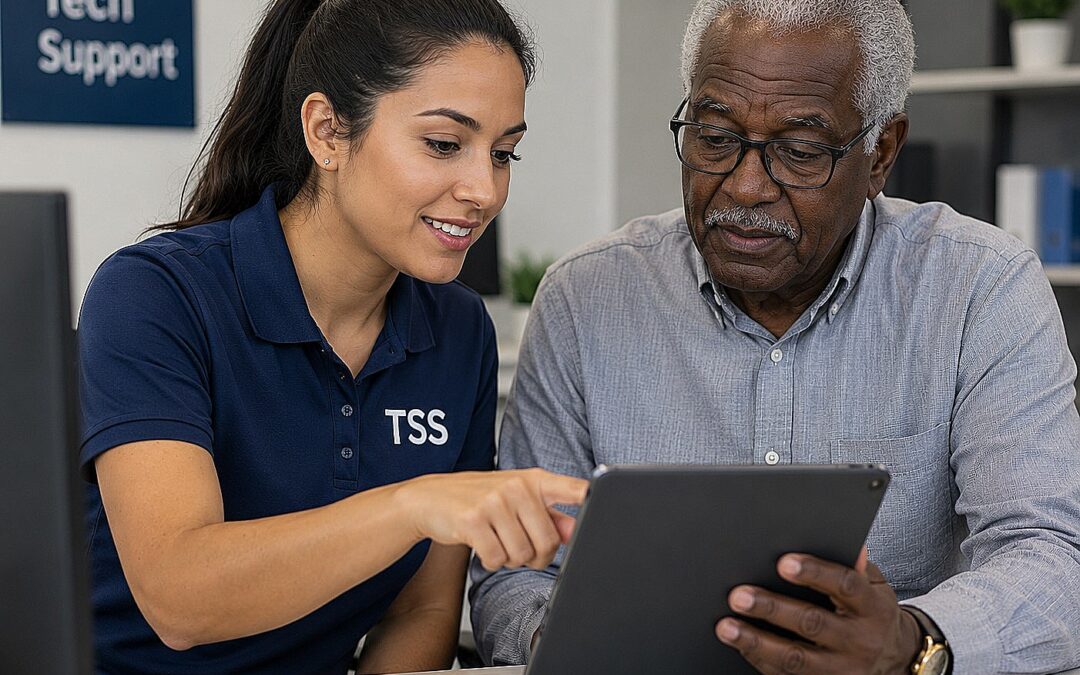
Stop Stressing
Stop Stressing – We Are Here To Help With Your Tech NeedsIf your tech is stressing you out, you’re not alone. Between laptops, Wi‑Fi, printers, smart TVs, point-of-sale systems, and cloud accounts, it doesn’t take much for something to break at the worst possible...