
Computers are essential for work, communication, banking, shopping, and entertainment. But with that convenience comes risk: malware, phishing scams, data loss, slow performance, and preventable hardware issues can all disrupt daily life. A few consistent habits can dramatically improve security, reliability, and performance.
Lock Devices When Not in Use
Physical security matters just as much as digital security. An unattended computer in an office, classroom, lobby, or even at home can become a quick target for unauthorized access.
Helpful habits include:
- Use a screen lock password, PIN, or biometric login
- Set the computer to auto-lock after a few minutes of inactivity
- Shut down or lock the device before stepping away
- Keep laptops in secure bags when traveling
For businesses, this simple practice helps protect company information from casual exposure.
Keep the Desktop and Storage Organized
A cluttered system can slow productivity and make files harder to find. Good organization also reduces the chance of deleting or misplacing important data.
Recommended practices:
- Create folders for documents, photos, downloads, and projects
- Rename files clearly and consistently
- Empty the recycle bin only after checking contents
- Clean up unused files and applications regularly
- Avoid saving everything to the desktop
Organization improves both workflow and troubleshooting.
Protect Against Power Problems
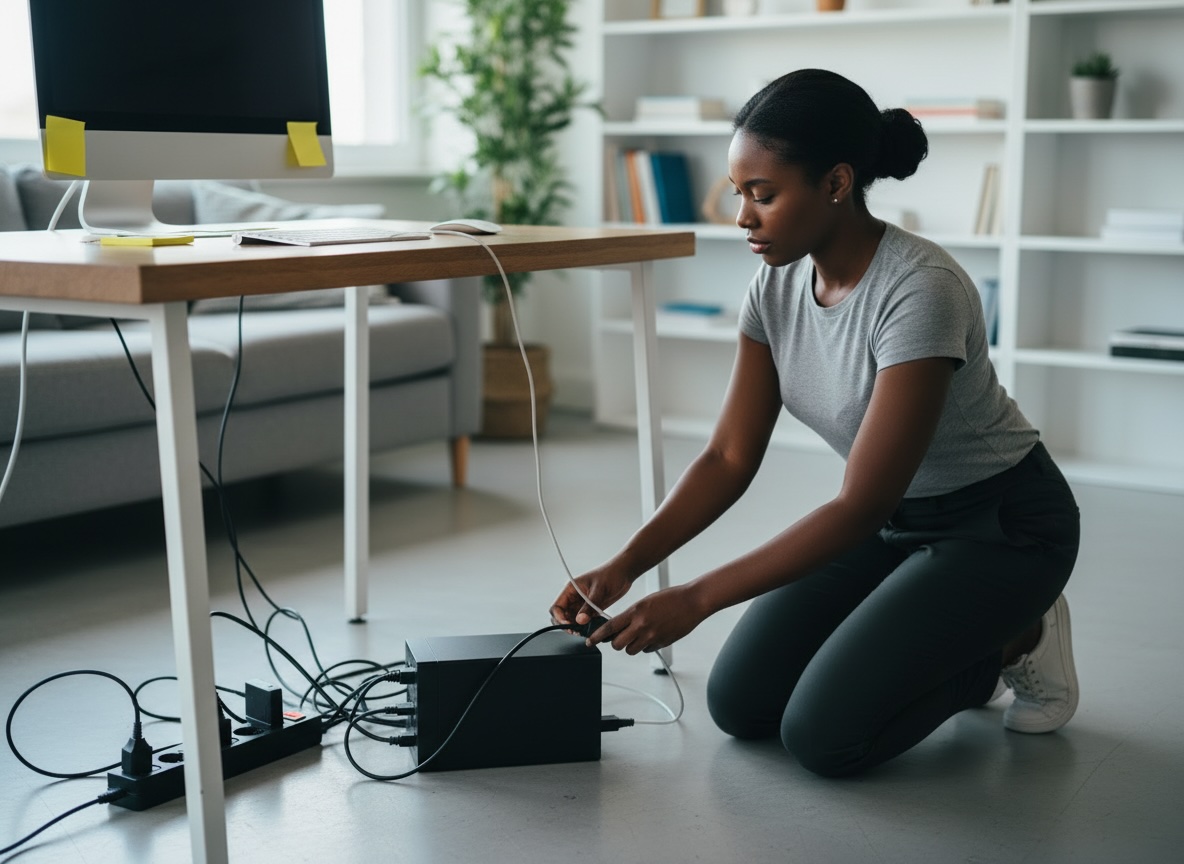
Unexpected power loss can damage files, interrupt updates, and stress hardware. This is especially important for desktop computers and office environments.
Users should consider:
- Using a surge protector
- Installing an uninterruptible power supply (UPS) for critical systems
- Saving work frequently
- Avoiding forced shutdowns unless absolutely necessary
A small investment in power protection can prevent expensive repair and recovery work.
Clean Hardware Properly
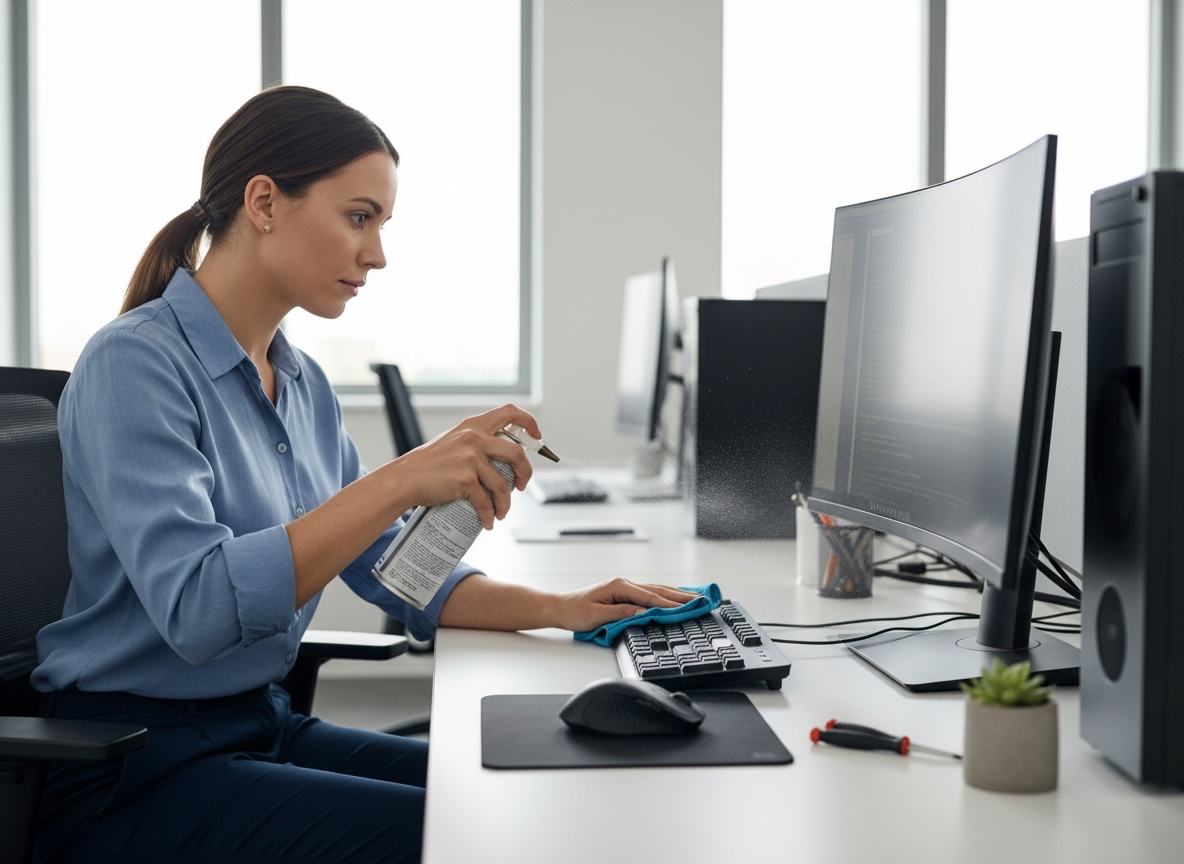
Dust, heat, and poor ventilation can shorten the lifespan of a computer. Physical care is often overlooked, but it plays a major role in performance and reliability.
Best practices include:
- Keep vents clear
- Use compressed air carefully to remove dust
- Keep food and drinks away from the keyboard
- Avoid blocking airflow on beds, couches, or laps for long periods
- Transport laptops in padded cases
- Clean screens with approved microfiber cloths and safe cleaners
Hardware that stays cool and clean generally lasts longer.
Monitor Computer Performance
Users should pay attention when a computer becomes unusually slow, noisy, hot, or unstable. These symptoms may indicate malware, failing hardware, too many startup programs, or insufficient storage.
Early warning signs include:
- Long boot times
- Frequent freezing or crashing
- Pop-ups and browser redirects
- Overheating
- Clicking sounds from drives
- Programs opening very slowly
Addressing issues early often prevents larger failures later. Tech support providers should encourage users to report these symptoms before the system becomes unusable.
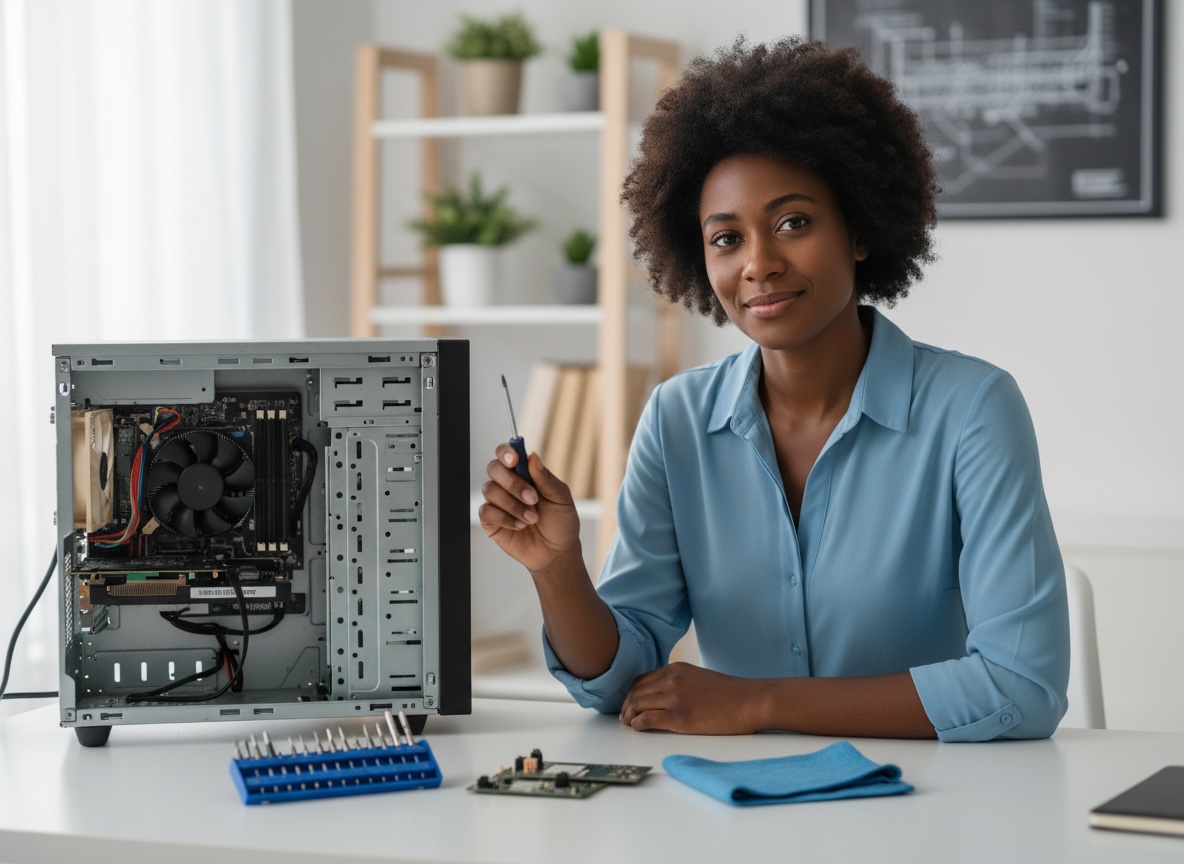
Know When to Call Tech Support
Not every issue should be handled alone. Attempting advanced repairs without experience can make problems worse.
Users should contact a professional when:
- A device shows signs of malware infection
- Important files are missing or encrypted
- The computer will not boot
- There are repeated blue screen or crash errors
- Strange network activity appears
- Hardware replacement may be needed
A trusted tech support company can diagnose issues quickly, reduce downtime, and help prevent repeat problems.