

Computers are essential for work, communication, banking, shopping, and entertainment. But with that convenience comes risk: malware, phishing scams, data loss, slow performance, and preventable hardware issues can all disrupt daily life. A few consistent habits can dramatically improve security, reliability, and performance.
Turn On Multi-Factor Authentication
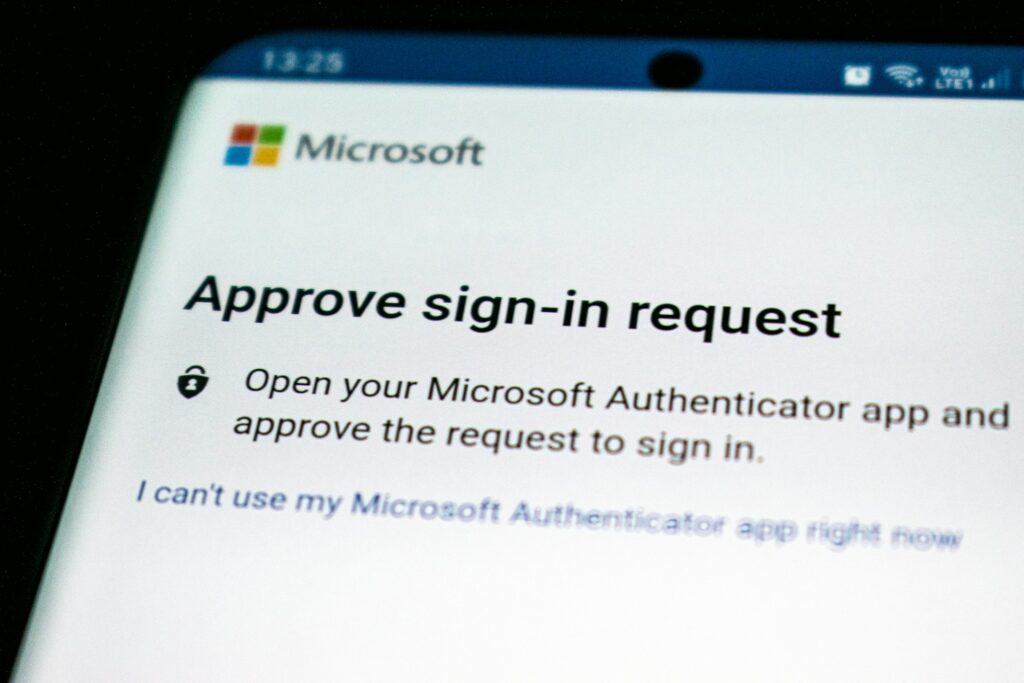
Passwords alone are not enough. Multi-factor authentication, often called MFA or two-factor authentication, adds another layer of protection by requiring a second verification step.
This may include:
- A code from an authenticator app
- A hardware security key
- A text message code
- A biometric prompt on a trusted device
MFA is especially important for:
- Email accounts
- Banking and payment platforms
- Cloud storage services
- Work logins
- Social media accounts
If a password is stolen, MFA can still block unauthorized access.
Learn to Spot Phishing Attempts
Phishing attacks are designed to trick users into handing over passwords, financial information, or device access. These attacks often arrive through email, text messages, pop-up alerts, or fake support calls.
Warning signs include:
- Urgent language such as "your account will be closed immediately"
- Suspicious sender addresses
- Unexpected attachments
- Links that do not match the real company website
- Requests for passwords or payment information
Computer users should never click unfamiliar links or download files from unknown sources. When in doubt, go directly to the official website instead of using the message link.
Install and Maintain Reliable Security Software
Antivirus and endpoint protection software can detect threats before they cause serious damage. While no tool catches everything, a reputable security program adds an essential defense layer.
Users should:
- Install trusted antivirus or endpoint protection
- Keep virus definitions updated
- Run regular scans
- Enable built-in firewall protection
- Avoid installing multiple antivirus products that may conflict
Good security software works best when paired with smart user behavior.
Be Careful With Downloads and Installations
Free software, browser extensions, pirated content, and unofficial apps often carry hidden risks. Many infections begin when a user downloads something that appears harmless.
Safer habits include:
- Download software only from official vendor websites or trusted app stores
- Read installation screens carefully
- Decline bundled toolbars or unnecessary add-ons
- Remove programs that are no longer needed
- Avoid pirated software entirely
If a site pressures users with flashy "Download Now" buttons, it is often a warning sign.
Practice Safe Browsing Habits
Web browsing is part of daily computer use, but it is also one of the most common ways users encounter scams and malicious content.
Safe browsing habits include:
- Visit trusted websites
- Check for HTTPS on sites handling logins or payments
- Avoid clicking suspicious ads
- Be cautious with browser notifications
- Review browser extensions and remove anything unnecessary
- Log out of sensitive accounts on shared devices
A browser is often the front door to the rest of the system, so careful browsing goes a long way.
Final Thoughts
The best computer habits are usually simple: update regularly, use strong passwords, back up data, stay alert online, and address issues early. These actions do not require advanced technical knowledge, but they can prevent many of the most common and costly problems computer users face.
For a tech support company blog, this topic is especially valuable because it speaks to both home users and businesses. It shows that professional support is not just about repairing broken systems - it is also about helping customers build safer, smarter technology habits.