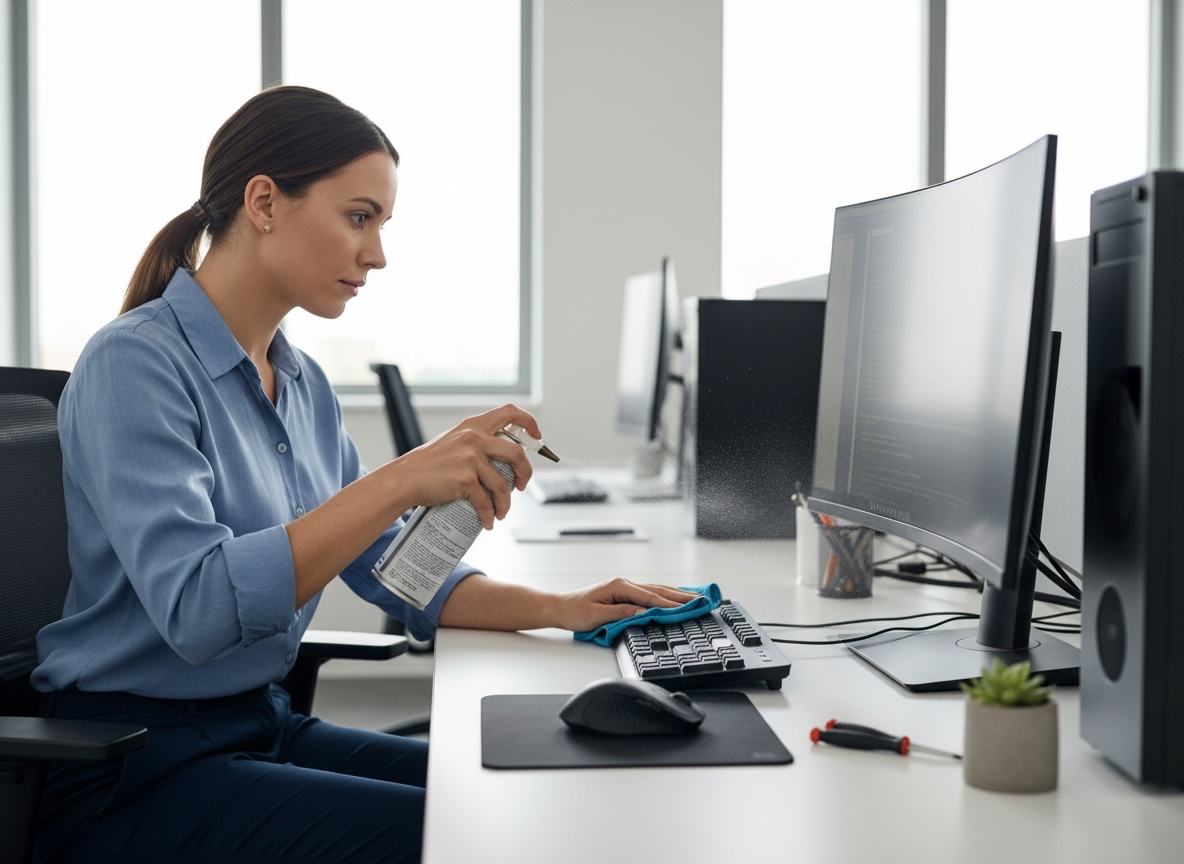

Computers are essential for work, communication, banking, shopping, and entertainment. But with that convenience comes risk: malware, phishing scams, data loss, slow performance, and preventable hardware issues can all disrupt daily life. A few consistent habits can dramatically improve security, reliability, and performance.
Keep Your Operating System and Software Updated
One of the simplest and most important habits is keeping your system updated. Software updates do more than add features - they often patch security vulnerabilities that hackers actively exploit.
Users should:
- Enable automatic updates for Windows, macOS, browsers, and mobile-connected desktop apps.
- Regularly update security software, printer drivers, office applications, and video conferencing tools.
- Restart the computer when prompted so updates can fully install.
Delaying updates can leave a computer exposed to known threats. A machine that misses critical patches is much easier to compromise than one that stays current.
Use Strong, Unique Passwords
Weak passwords remain one of the biggest causes of account compromise. Many users still reuse the same password across multiple websites, which means one leaked password can unlock several accounts.
Best practices include:
- Create long passwords or passphrases with a mix of words, numbers, and symbols.
- Avoid using names, birthdays, phone numbers, or simple patterns.
- Never reuse passwords across email, banking, work, and shopping accounts.
- Use a password manager to store and generate secure credentials.
A password manager helps users maintain strong security without needing to memorize dozens of complex logins.
Back Up Important Files Regularly
Data loss can happen because of hardware failure, accidental deletion, theft, ransomware, or power surges. Without backups, important files may be gone permanently.
A smart backup strategy includes:
- Saving files to a cloud backup service
- Keeping a local external drive backup
- Backing up documents, family photos, tax records, and work files
- Testing backups occasionally to confirm files can actually be restored
A useful rule is the 3-2-1 backup approach:
| Rule | Meaning |
|---|---|
| 3 copies | Keep three copies of your data |
| 2 media types | Store them on two different kinds of storage |
| 1 offsite copy | Keep one copy in the cloud or another secure location |
Secure Your Wi-Fi and Home Network
A secure computer also depends on a secure network. An outdated or poorly configured router can expose every connected device in a home or office.
Users should:
- Change the router's default admin username and password
- Use WPA2 or WPA3 encryption
- Rename the default network name if appropriate
- Install router firmware updates
- Disable remote management unless it is truly needed
- Use a guest network for visitors or smart home devices
Public Wi-Fi also deserves caution. Avoid accessing sensitive accounts on open networks unless using a trusted VPN.
Why These Best Practices Matter
Computer problems are not always caused by bad luck. In many cases, they result from overlooked maintenance, weak security habits, or delayed action. By following a consistent set of best practices, users can:
- Reduce the risk of cyberattacks
- Avoid unnecessary downtime
- Extend the life of their devices
- Improve speed and productivity
- Protect personal and business data
For tech support companies, educating customers is just as important as fixing problems. Preventive guidance builds trust, reduces recurring issues, and positions support teams as long-term technology partners.
Final Thoughts
The best computer habits are usually simple: update regularly, use strong passwords, back up data, stay alert online, and address issues early. These actions do not require advanced technical knowledge, but they can prevent many of the most common and costly problems computer users face.
For a tech support company blog, this topic is especially valuable because it speaks to both home users and businesses. It shows that professional support is not just about repairing broken systems - it is also about helping customers build safer, smarter technology habits.