Good maintenance habits
- Restart the computer occasionally. Some issues build up when systems stay running too long.
- Keep food and drinks away from the machine.
- Download software only from trusted sources.
- Label important cables and accessories if you manage multiple devices.
- Keep a simple maintenance log for updates, cleanings, backups, and repairs.
- Fix small issues early instead of waiting for failure.
A simple monthly routine
- Check for OS and app updates.
- Run a quick security scan.
- Review storage space.
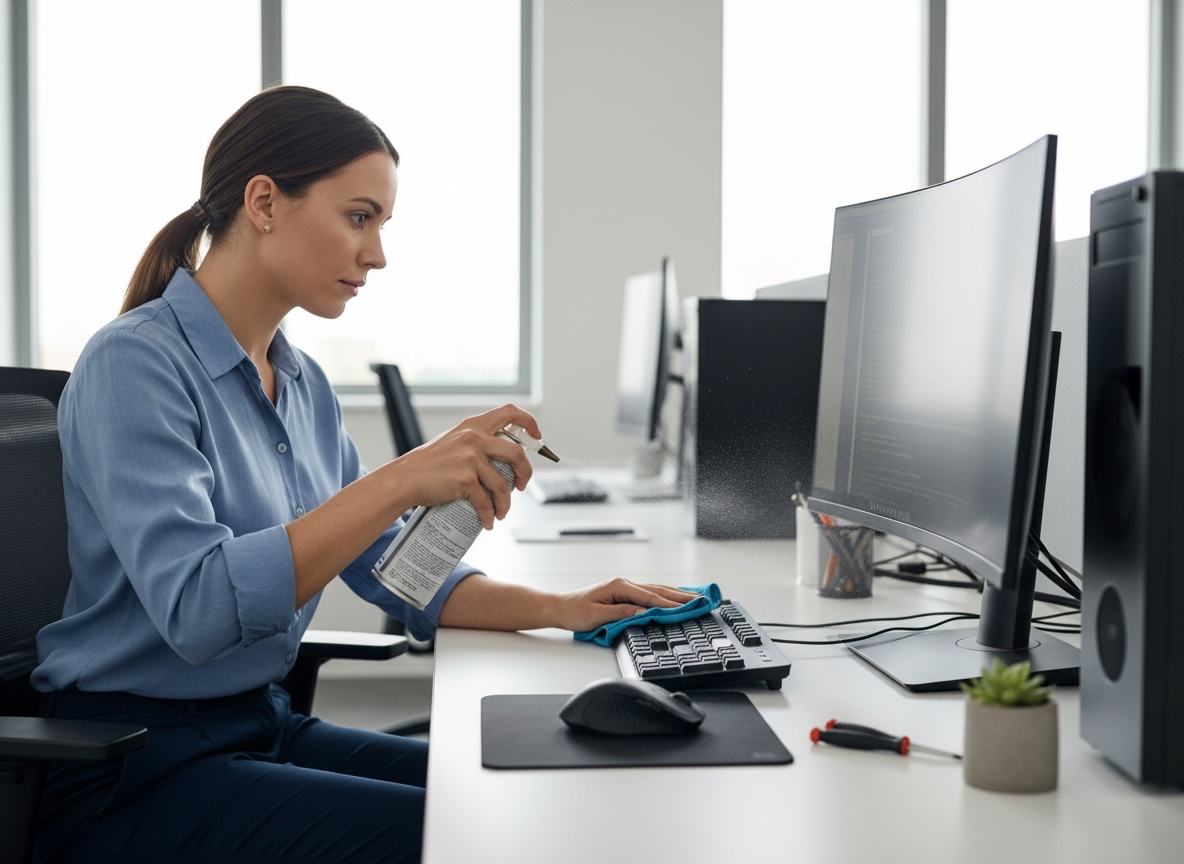
- Clean dust from the exterior and vents.
- Confirm backups are working.
- Check startup apps and remove anything unnecessary.
A simple every-6-months routine
- Do a deeper cleaning.
- Check drive health and battery health.
- Inspect cables, ports, and fans.
- Review installed software and remove old tools.
- Verify recovery options and backup restores.
Tasks to avoid unless you know what you’re doing
- Opening a laptop with a glued battery
- Updating BIOS/firmware without need or preparation
- Using random "registry cleaners" or "driver booster" tools
- Spraying liquids into ports or onto screens
- Forcing connectors or components into place