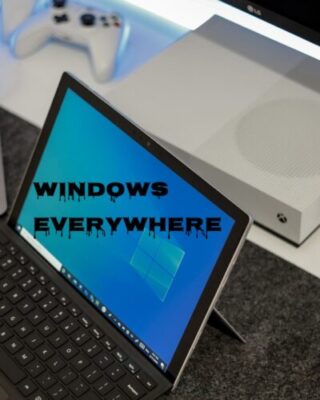
When you look around offices, schools, and home workspaces, one pattern is hard to miss: Microsoft Windows is still everywhere. Despite the rise of macOS, ChromeOS, Linux distributions, and mobile-first workflows, a huge number of people and businesses continue to pick Windows as their primary operating system.
Here are the most common reasons people still choose Windows for their computers—and what that means for setup, maintenance, and support.
Familiarity And Comfort
For many users, Windows is what they first learned on. That matters more than most people realize.
- Muscle memory: The Start menu, taskbar, File Explorer, Control Panel/Settings—these feel “normal” to millions of users. Switching to something new can feel like learning to drive all over again.
- Lower learning curve: Training costs (time and money) are lower when staff already know the basics of the system.
- Consistent workflow: From Windows XP to Windows 11, a lot has changed, but the basic model—desktop, taskbar, windows, right‑click menus—remains recognizable.
Support takeaway: When users are already comfortable with Windows, tech support can focus less on basic navigation and more on productivity, security, and problem solving.
Compatibility With Critical Software
A major reason people stick with Windows is that their must‑have software runs best—or only—on Windows.
- Line‑of‑business applications: Many industries (manufacturing, logistics, engineering, accounting, healthcare) rely on specialized Windows‑only applications.
- Microsoft Office and productivity tools: While Office is cross‑platform, many advanced Excel macros, Access databases, legacy templates, and add‑ins are written with Windows in mind.
- Gaming and creative tools: A huge portion of PC games and many professional creative tools (CAD, 3D modeling, niche audio/video apps) are built for Windows first.
Support takeaway: When a key application is Windows‑only, the operating system is no longer a preference—it’s a requirement. Good tech support focuses on keeping these applications stable and compatible across updates.
Hardware Choice And Flexibility
Windows runs on a massive variety of hardware, from budget laptops to high‑end workstations.
- Wide price range: Users can pick anything from an affordable entry‑level laptop to a powerful multi‑GPU workstation.
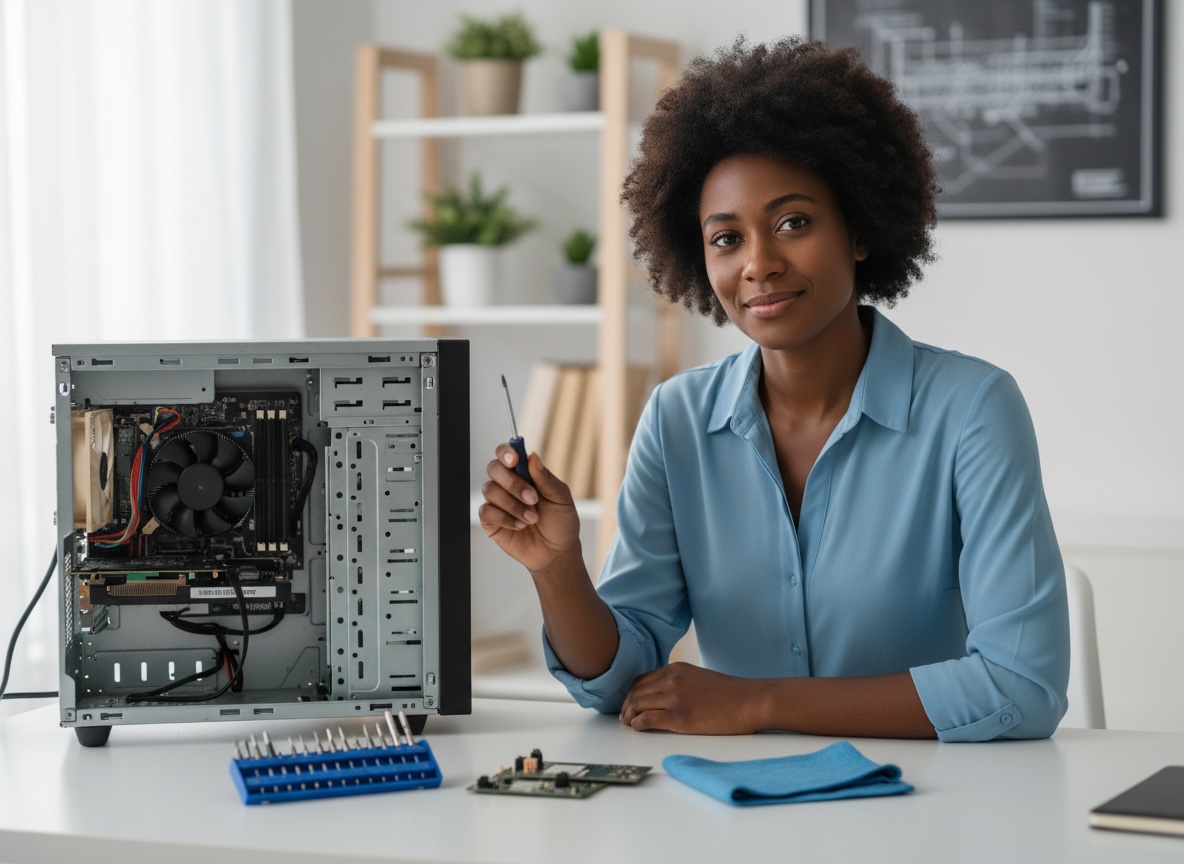
- Custom builds: Power users and businesses can build custom desktops for specific needs: gaming rigs, CAD workstations, video editing machines, or compact office PCs.
- Peripherals and accessories: Printers, scanners, drawing tablets, label makers, point‑of‑sale devices—many are designed with Windows drivers and management tools first.
Support takeaway: This flexibility is a strength, but it also increases complexity. A tech support partner is valuable for choosing the right hardware mix, configuring drivers, and maintaining compatibility.
Integration With Business Environments
In business and education, Windows often fits cleanly into existing infrastructure.
- Active Directory and Group Policy: IT teams can centrally manage user accounts, security policies, and software deployment.
- Microsoft 365/Entra ID (Azure AD) integration: Sign‑on, device management, and identity services work smoothly with Windows PCs.
- Standardization: Many organizations standardize on Windows so they can have a consistent, manageable environment across departments and locations.
Support takeaway: When an environment is already built around Windows, adding more Windows systems is simple. Tech support focuses on integration, policy, and automation rather than figuring out a mix of platforms.